
Last Updated: October 2026
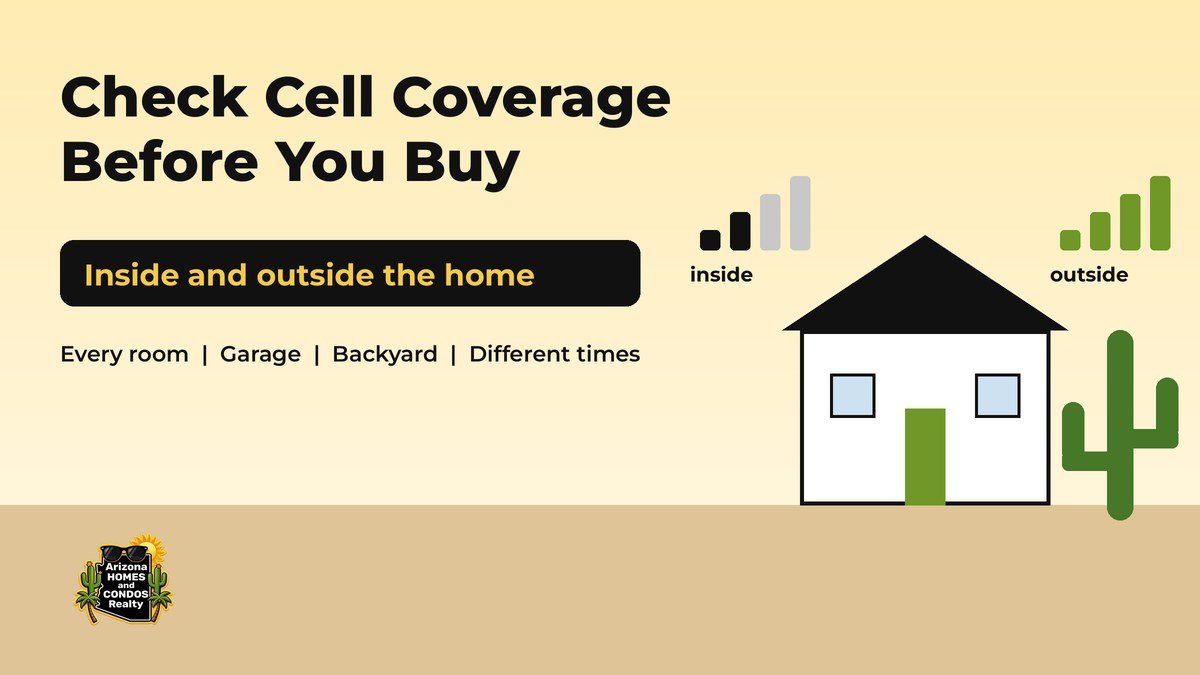
Buyers Beware: Check Cell Coverage Inside and Outside an Arizona Home Before You Buy
Buyers beware: a home can look perfect and still leave you walking to the backyard to finish a phone call. Before you make an offer, take a few minutes to check cell coverage inside and outside the house. The official maps are free, and your own phone is the best test of the cell signal where you will actually live.
Want help running these checks on every home you tour? Our dedicated full-time buyer’s agents work only for you.
This guide walks through eight steps, starting with the FCC National Broadband Map and the carrier coverage maps and ending with your inspection period.
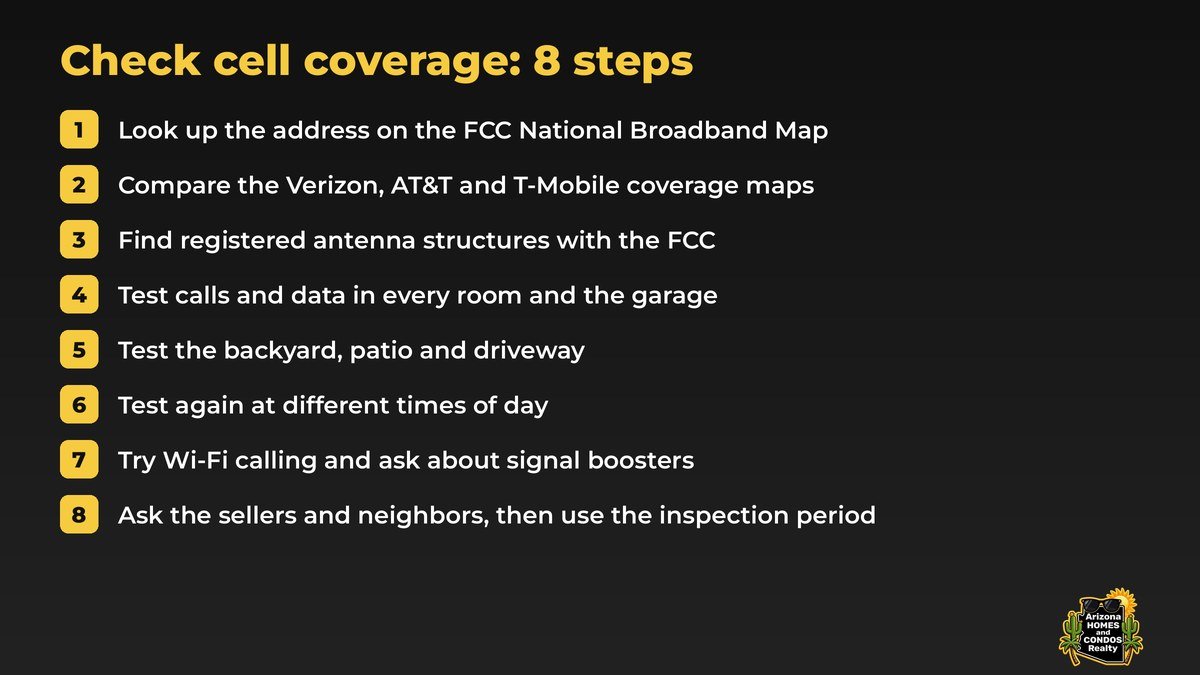
Check cell coverage in 8 steps
- Look up the address on the FCC National Broadband Map.
- Compare the Verizon, AT&T and T-Mobile coverage maps.
- Look up registered antenna structures near the home.
- Test inside every room and the garage.
- Test the backyard, patio and driveway.
- Test again at different times.
- Ask about Wi-Fi calling and signal boosters.
- Ask the sellers and neighbors, then use your inspection period.
Make a mistake-free move. Don’t risk losing $100,000. Hire a Dedicated Full-Time LOCAL agent.
Big mistakes usually start as small details nobody checked before the offer: a flood map, an HOA rule, a commute, or a bedroom where calls drop. A dedicated full-time buyer’s agent puts those checks on the list for every home you tour.
Jump to a section
Why cell signal deserves a spot on your showing checklist
Most buyers check the kitchen, the roof and the commute. Far fewer stand in the primary bedroom and make a phone call. Yet if you work from home, rely on your phone for two-factor logins or simply want calls that do not drop in the hallway, cell signal is part of how the home works every day.
Coverage can differ between the street, the front room and the back bedroom of the same house. That is why we suggest you check cell coverage in two ways: on the official maps before you tour, and with your own phone inside and outside the home while you are there.
Step 1: Look up the address on the FCC National Broadband Map
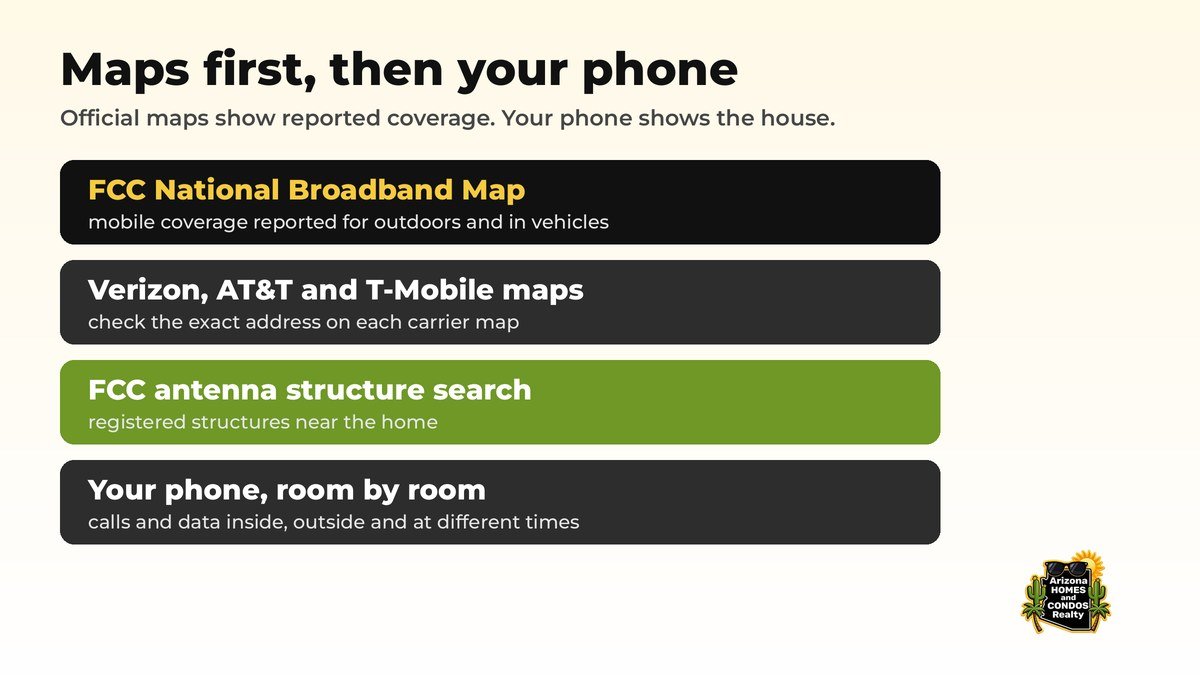
Start with the FCC National Broadband Map. Search the address and switch to the mobile broadband view to see the 3G, 4G and 5G coverage that each mobile provider reports to the FCC for that location.
Read it with one important limit in mind. According to the FCC, the mobile maps reflect where subscribers should be able to connect outdoors or in a moving vehicle, and they do not display indoor coverage (see the FCC’s mobile coverage help article). The FCC National Broadband Map tells you what providers report near the home. It does not tell you what your phone will show in the back bedroom.
If what you experience outdoors does not match the map, the FCC offers the FCC Mobile Speed Test app, which can submit outdoor and in-vehicle challenge tests about the coverage shown on the map.
Step 2: Compare the carrier coverage maps
Next, check the address on each carrier’s own coverage map: the Verizon coverage map, the AT&T wireless coverage map and the T-Mobile coverage map. Look at the exact address, not just the city, and zoom in on the street.
Compare what each map shows with the FCC map from step 1. If you plan to switch providers after you move, look up every carrier you are considering, not only the one you use today. Treat every map as a starting point, then confirm it with your own phone at the house.
Step 3: Look up registered antenna structures near the home
The FCC’s Antenna Structure Registration search lets you search registered antenna structures by location, including by latitude, longitude and an optional radius, or by city and state (the FCC’s search help page explains each option).
It lists structures registered with the FCC, so treat the results as one clue rather than the full picture of every cell site near the home. Nearby structures do not guarantee strong cell signal indoors, and you will still want to test inside the house.
Step 4: Test inside every room and the garage
This is the step that matters most. During a showing, check cell coverage the practical way: walk the home with your phone on cellular data, with Wi-Fi turned off, and stop in every room.
- Make a short call in the rooms where you will spend the most time, such as the office, the primary bedroom and the living room. Listen for gaps and dropouts.
- Load a web page or a video in each room and watch how quickly it responds.
- Check the garage and any casita or detached workshop. Interior rooms and garages can behave differently from rooms with outside windows.
- Write it down room by room, so you can compare homes and condos after a long day of showings.
If two people in your household use different carriers, test both phones. One carrier can work well in a home where another struggles.
Step 5: Test outside: backyard, patio and driveway
Repeat the test in the backyard, on the patio, by the pool, at the side yard and in the driveway. If you plan to take calls outside or park and work from the car, check those spots too.
Comparing inside and outside readings tells you a lot. If the backyard has strong cell signal and the bedrooms do not, the house itself may be limiting the signal, and options like Wi-Fi calling or a booster (step 7) become part of the conversation.
Step 6: Test again at different times
One visit is one snapshot. If you can, check cell coverage again on a weekday morning, in the evening and on a weekend, the same way we suggest visiting the street at different times in our before you buy guide.
Use your phone’s field test mode or network status screen if it has one. Many phones can show a more detailed signal reading than the bars at the top of the screen, and the exact steps depend on your phone maker and model, so check its official support pages. Note the reading in the same spots each visit so you compare like with like.
Step 7: Ask about Wi-Fi calling and signal boosters
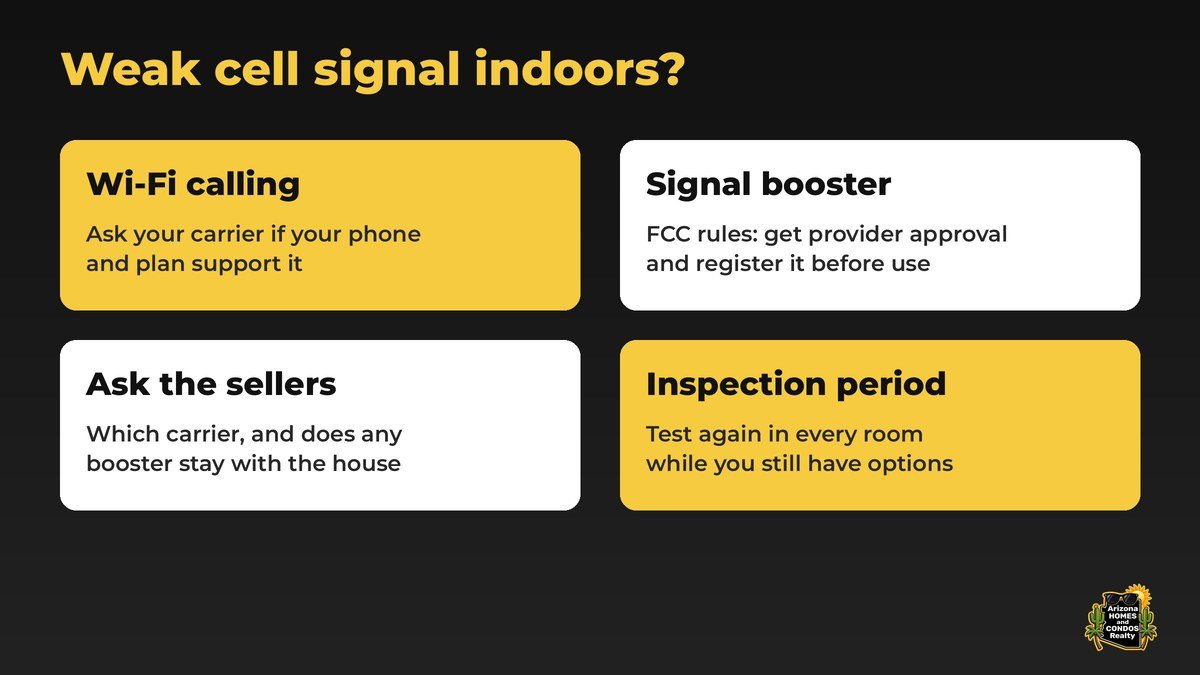
Wi-Fi calling. If your phone and carrier support Wi-Fi calling, calls and texts can use the home’s internet connection instead of the cell network. That only helps if the home has internet service you are happy with, so check the internet options for the address too (the FCC map from step 1 also shows fixed home internet providers). Ask your carrier whether Wi-Fi calling is available on your plan and phone.
Signal boosters. The FCC describes consumer signal boosters as devices designed to improve wireless coverage within a limited area such as a home, car, boat or RV. Under FCC rules, you need your wireless provider’s approval and you must register the specific booster with your provider before you use it. The FCC’s signal boosters FAQ also notes that poorly designed or improperly installed boosters can interfere with wireless networks, so follow the setup instructions and your provider’s registration steps.
Step 8: Ask the sellers and neighbors, then use your inspection period
Ask the sellers, through your agent, which carrier they use and how calls work inside the home. Ask whether they use Wi-Fi calling or a signal booster, and whether any booster equipment stays with the house.
If you see neighbors outside, a friendly question about how their phones work on the street can tell you more than any map. Keep it about phone service, and take every answer as one more data point.
Then use your inspection period. Come back during that window, test again in every room and the yard, and talk with your agent about what you found while you still have options under your contract.
Check cell coverage: frequently asked questions
How do I check cell coverage at an address before I buy?
Look up the address on the FCC National Broadband Map and on the Verizon, AT&T and T-Mobile coverage maps. Then test calls and data with your own phone in every room, the garage and the backyard during showings and again during your inspection period.
Does the FCC National Broadband Map show indoor cell coverage?
No. According to the FCC, the mobile coverage maps reflect where subscribers should be able to connect outdoors or in a moving vehicle, and they do not display indoor coverage. That is why testing inside the home matters.
How can I find cell towers near a house?
The FCC Antenna Structure Registration search lets you look up registered antenna structures by location or by city and state. It lists structures registered with the FCC, so treat it as one clue and still test inside the home.
Can I use a cell signal booster in my home?
The FCC says you need your wireless provider’s approval and must register the specific consumer signal booster with your provider before you use it.
When should I test cell signal during a home purchase?
Test during showings, at different times of day if you can, and again during your inspection period while you still have options under your contract.
Ready to find a home that works on every bar?
Think about an ordinary workday call, not just the day you fall in love with the house. When you are ready, talk with a dedicated full-time local agent who works only for you.
Ready to start your home search?
Two quick steps. A full-time Arizona agent replies personally.